


Image

Summary
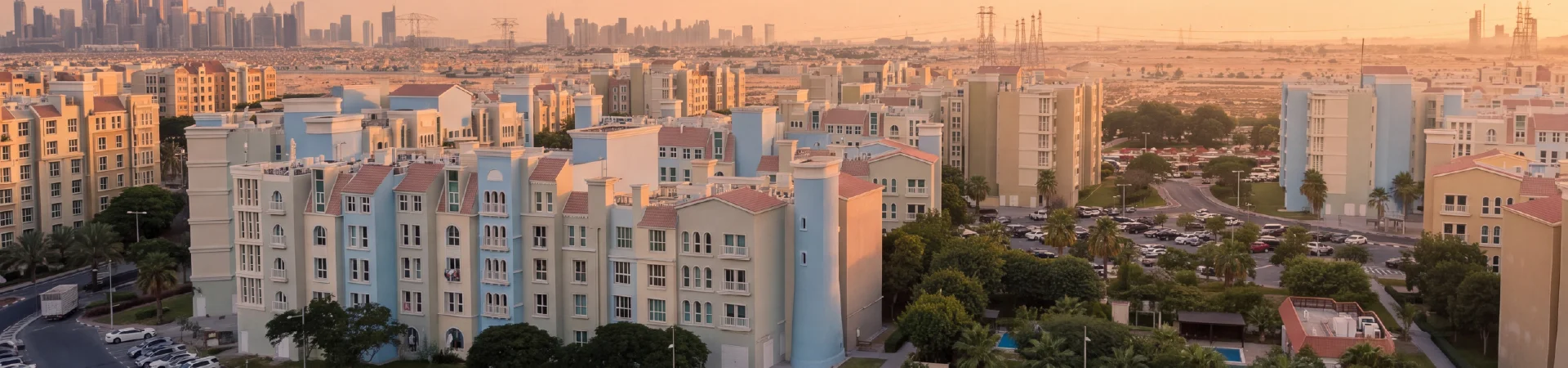
Discovery Gardens parking changed on 15 January 2026, when paid on-street parking was introduced across the community under the management of Parkonic. Eligible residential units in buildings without dedicated parking are entitled to one complimentary parking permit, while additional vehicles require a paid subscription. Residents can register their vehicles through the Parkonic+ app using their Ejari and other required documents.
This guide explains how the Parkonic parking system works, the latest parking rates, resident permits, subscription options and what tenants should consider when choosing a home in Discovery Gardens.
Table of Contents
How Paid Parking Works in Discovery Gardens
Paid on-street parking was introduced in Discovery Gardens on 15 January 2026, with Parkonic managing the system. The initiative is intended to improve parking availability, support better use of shared spaces and help manage demand across the community.
The introduction of paid parking means tenants need to understand which spaces are managed by Parkonic, whether their apartment includes a dedicated parking bay and whether they qualify for a complimentary residential permit.
The rules differ depending on the vehicle and parking arrangement. Eligible residents can register one vehicle for a free permit, while additional vehicles may require a paid subscription. Visitors using regulated on-street spaces must follow the applicable payment requirements.
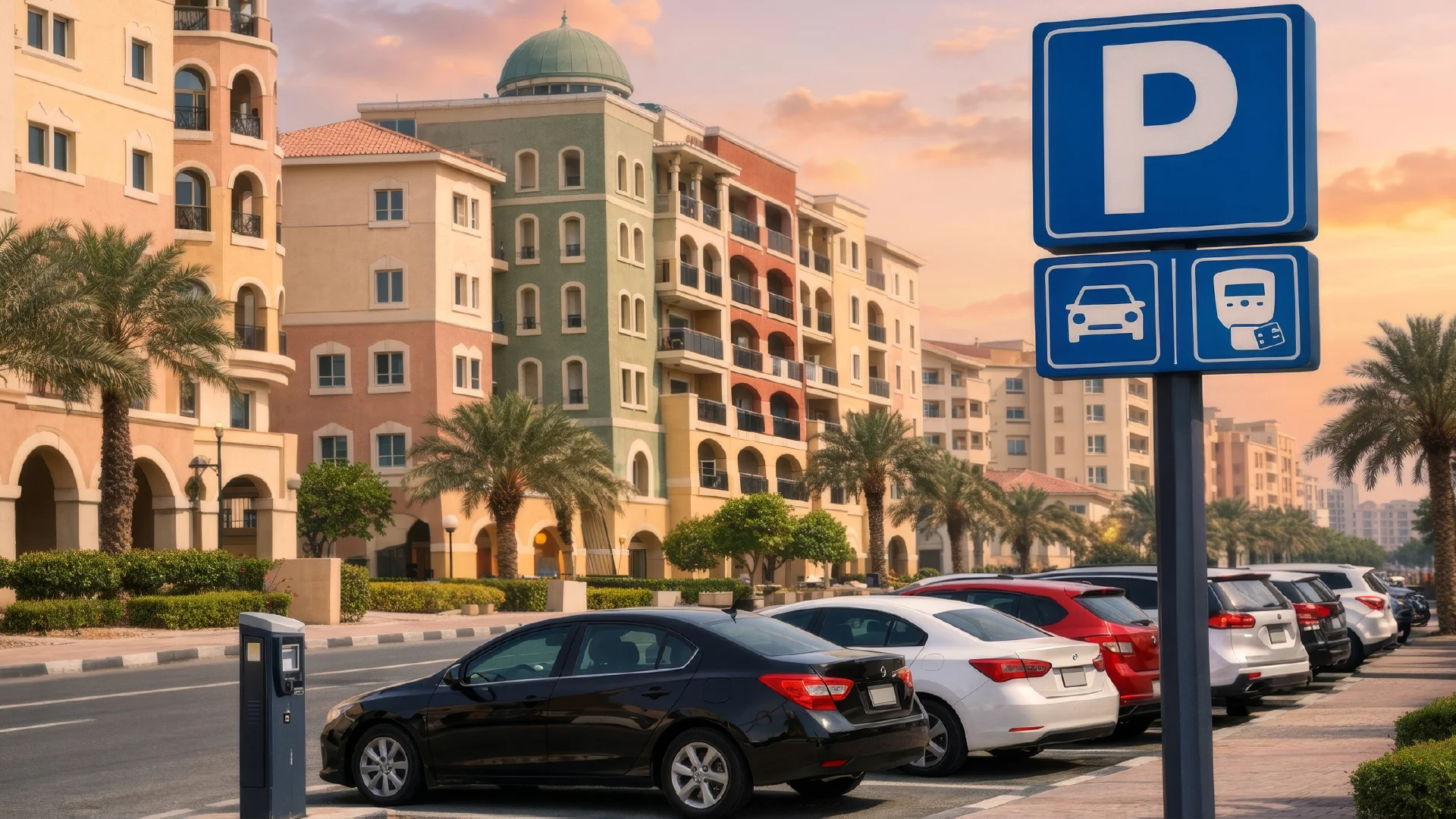
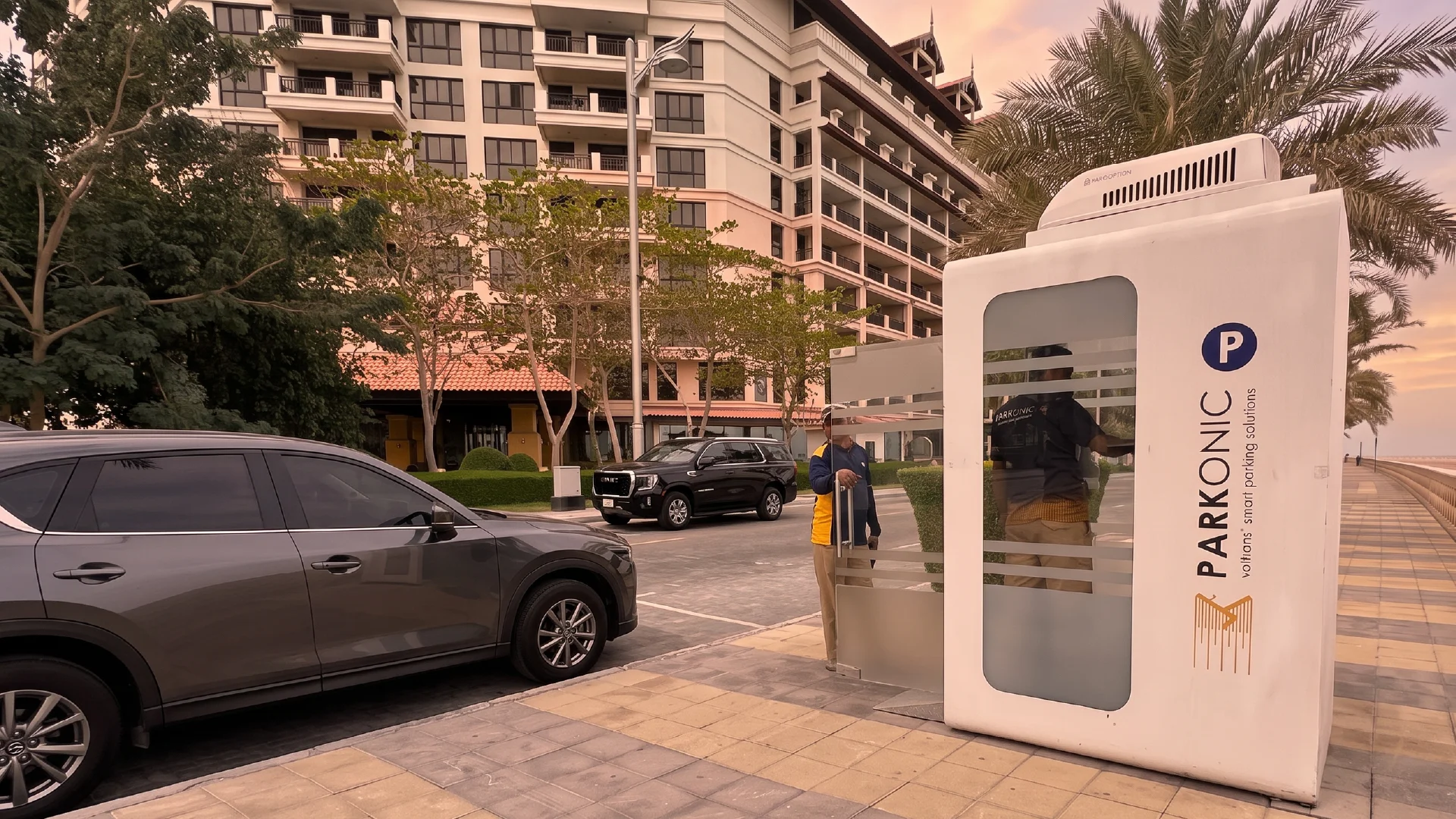
The Parkonic parking system uses digital technology to manage parking and monitor vehicle registration, including number plate recognition. It reduces the need for traditional parking tickets and allows users to manage eligible vehicles and subscriptions digitally.
Residents can use the Parkonic+ app to register their vehicles and access available subscription options. Visitors can pay through the methods specified by Parkonic, which may include SMS and automatic payment through Salik, subject to the applicable terms.
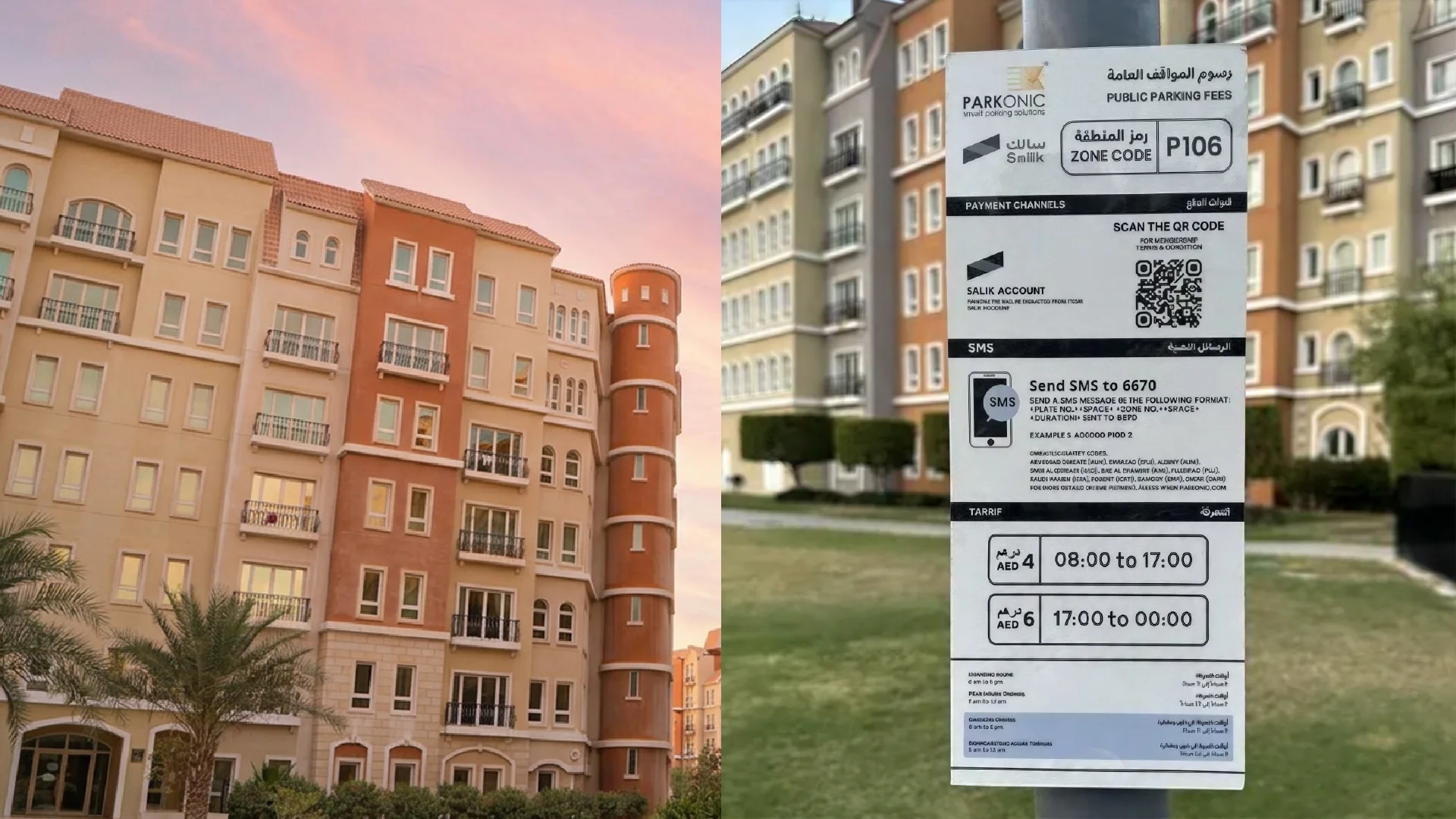
To pay Parkonic parking charges, drivers should check the signs displayed in their parking area and follow the stated payment instructions. Discovery Gardens is listed under parking zone code P106 on Parkonic's published information.
The system operates throughout the week, including public holidays. Residents should complete the required registration and confirm their permit is active before relying on it for parking.
Eligible residential units in buildings without dedicated parking receive one complimentary parking permit for their first vehicle, subject to Parkonic's requirements and verification process.
Tenants need to provide their tenancy details and register the relevant vehicle through the official process. An Ejari and other supporting documents may be required, along with an authorisation PIN where applicable.
The free permit does not necessarily guarantee a dedicated parking bay. It is important to distinguish between eligibility to park under the residential permit scheme and an allocated parking space included in a tenancy agreement.
Tenants should check the terms of their building and confirm that their vehicle has been registered and approved before parking.
Households with more than one vehicle should account for the cost of parking beyond the complimentary allocation.
Additional vehicles may be registered through a paid Parkonic subscription. The price depends on the subscription option selected, and residents should check the current rates and terms in the Parkonic+ app before purchasing.
An additional vehicle subscription should not be confused with a dedicated parking bay. Residents should confirm which parking areas their subscription covers and whether their building offers separate allocated parking.
Resident Rules & Permits
Understanding the resident permit rules helps tenants manage parking costs and avoid unexpected charges. Eligibility depends on the residential unit, the parking arrangement and the requirements set by Parkonic.
Before registering, residents should confirm whether their apartment includes a dedicated bay or falls under the complimentary permit scheme for buildings without dedicated parking.
Tenants should also keep their vehicle and tenancy details up to date. Changes to a vehicle, a tenancy renewal or a move to another apartment may require the resident to update their registration.
Free Permit for Your First Vehicle
Eligible tenants can apply for one complimentary permit for their first vehicle, provided their residential unit meets the scheme's requirements.
The general process involves preparing the tenancy documents, following Parkonic's registration instructions and activating the permit through the app. Some applications may require an authorisation PIN or additional verification.
Residents should check their application status and confirm approval before using the permit. Submitting documents does not necessarily mean the permit has been activated.
Tenants with two or more vehicles should check the cost of registering additional vehicles before deciding which parking arrangement best suits their household.
Parkonic lists the following subscription prices for Discovery Gardens, inclusive of VAT:
| Subscription Period | Published Price |
|---|---|
| Monthly | AED 672 |
| Quarterly | AED 1,999 |
| Six months | AED 3,999 |
| Annual | AED 4,999 |
These prices reflect the published rates introduced from 15 April 2026. Residents should confirm the latest price, availability and subscription conditions through Parkonic before making a payment.
The appropriate option depends on how often the additional vehicle is used and which parking spaces the subscription covers. Tenants should compare subscription costs with visitor parking charges where relevant, while ensuring that their chosen arrangement complies with Parkonic's rules.
Longer subscriptions may offer a different overall cost compared with paying monthly. However, tenants should distinguish between a standard subscription price and a discounted offer, as promotional rates and eligibility conditions can change.
Before purchasing, residents should review the options available in the Parkonic+ app and compare the total cost for the intended period. They should also check whether the subscription is renewable, whether any restrictions apply and what happens if their tenancy or vehicle details change.
Do not assume that a discount is available unless it is displayed in Parkonic's official channels or confirmed by its customer service team.
Visitor Parking Rates and Hours
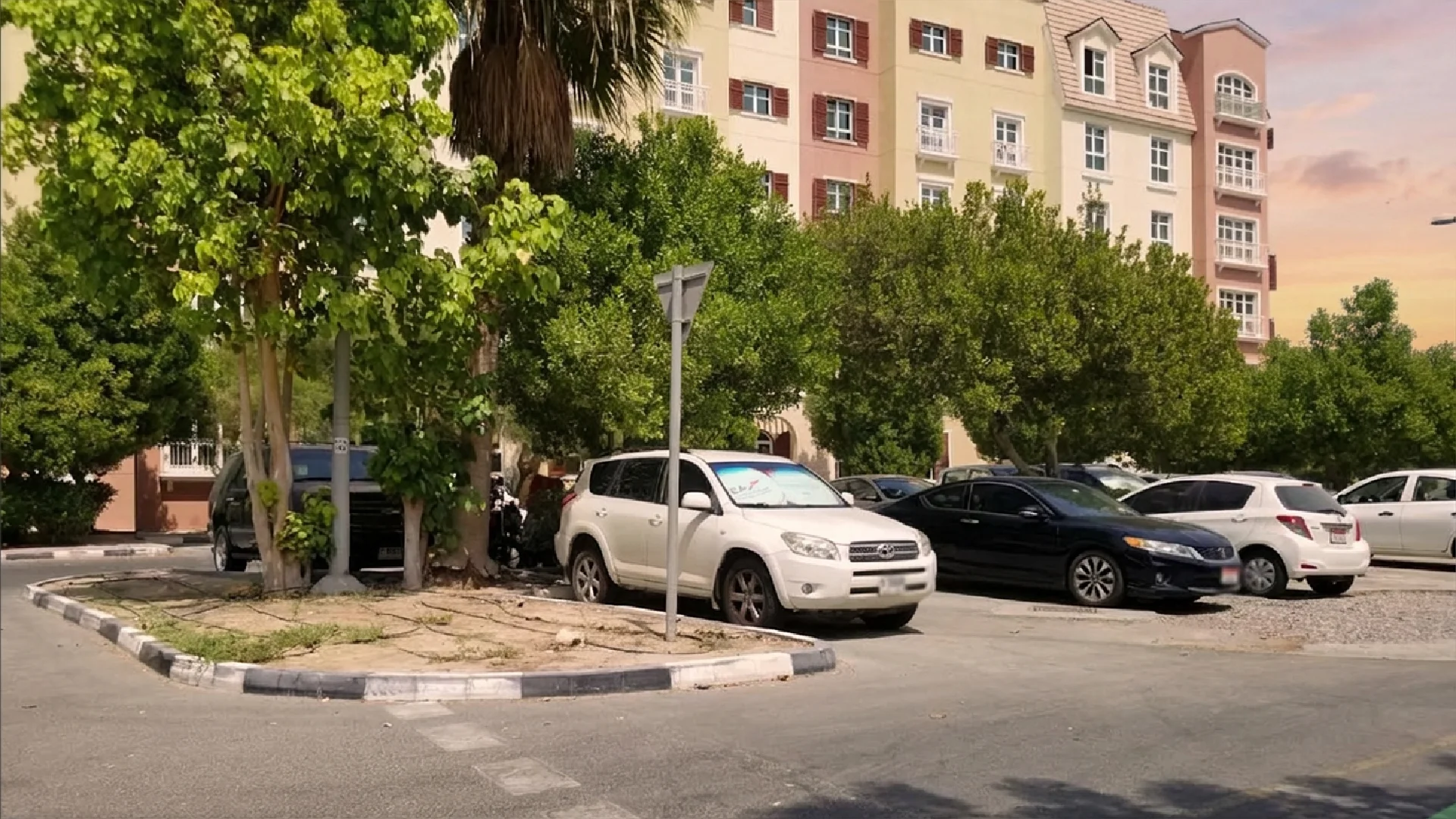
Visitors and other motorists using regulated on-street parking spaces in Discovery Gardens are subject to the applicable hourly rates.
Parkonic's published rates are:
| Parking Hours | Rate |
|---|---|
| 8:00 am to 5:00 pm | AED 4 per hour or part thereof |
| 5:00 pm to midnight | AED 6 per hour or part thereof |
| Midnight to 8:00 am | Free |
Charges apply per hour or part thereof during paid periods. Visitors should therefore check the applicable rates before parking, even if they expect to stay for a short time.
During paid hours, visitors must follow the displayed payment instructions and ensure that their vehicle is covered by the appropriate payment arrangement. Drivers should not assume that parking is free simply because a space is located outside a residential building.
Residents inviting guests can help them avoid unnecessary charges by sharing the parking zone code, the applicable rates and the approved payment methods in advance.
For longer visits, guests should check whether an hourly payment or another authorised arrangement is available and suitable for their stay. The parking signs and Parkonic's official channels remain the best references for current conditions.
How to Register Your Parking Permit with Ejari
Registering your parking permit is an important step for eligible tenants who want to use the complimentary resident allocation. The process involves verifying tenancy details and linking the correct vehicle to the account.
Follow these general steps:
Processing times and requirements may vary. Tenants should follow the instructions provided by Parkonic and contact its support team if their documents cannot be verified or their permit does not appear as active.

Zen Cluster Parking Rules
Tenants living in the Zen cluster should confirm the parking arrangements that apply to their particular building and the spaces they intend to use.
The key distinction is between a dedicated parking bay provided as part of the tenancy and a shared on-street space managed by Parkonic. These arrangements may have different eligibility requirements and payment conditions.
Before parking, residents should:
Residents should not assume that all spaces in the Zen cluster follow the same rules. Where building-specific guidance is unclear, they should confirm the arrangement with the relevant property management team and Parkonic.
How Parking Shapes Your Choice of Home in Discovery Gardens
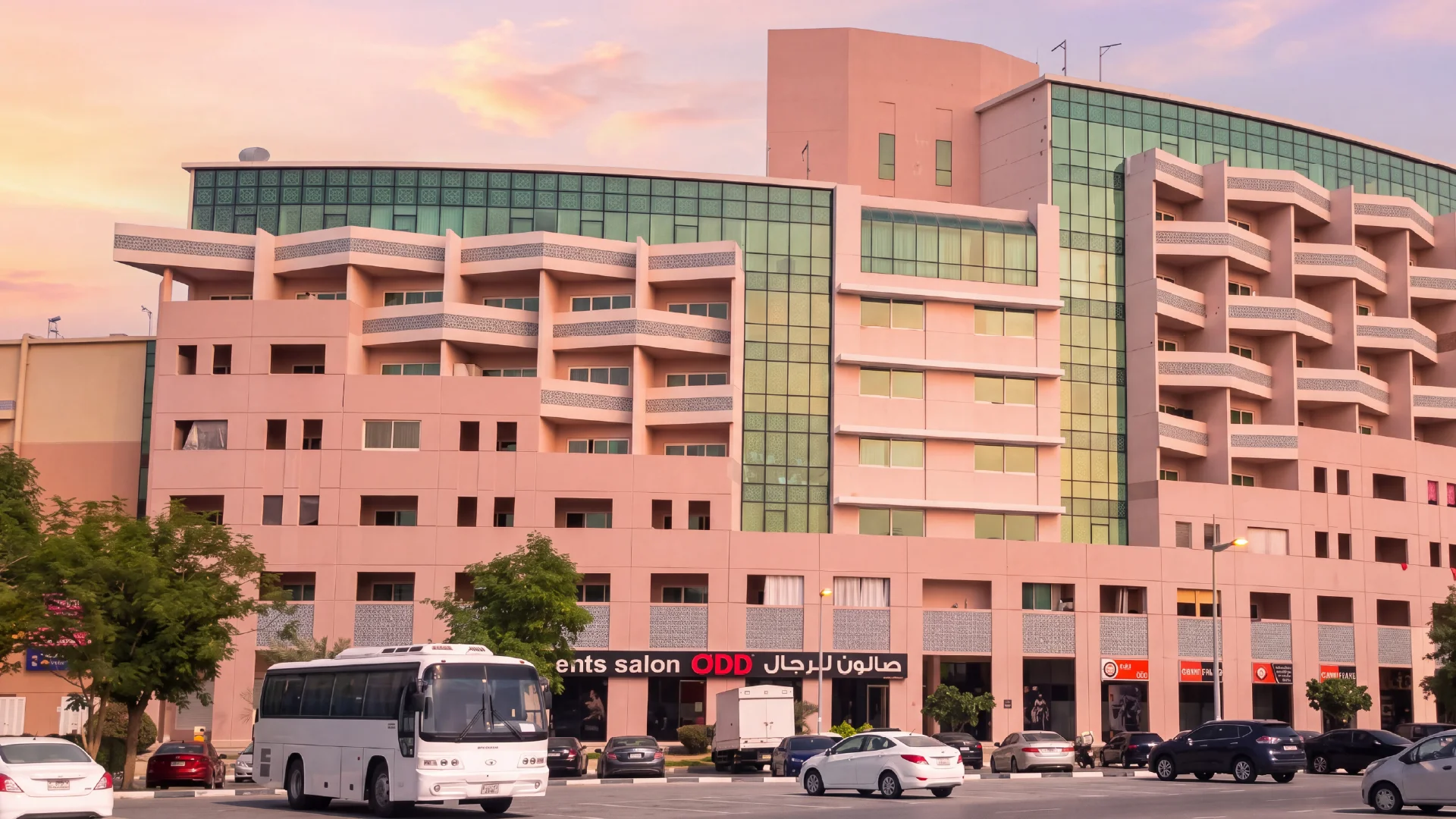
Parking can be an important consideration when choosing an apartment in Discovery Gardens, particularly for tenants who own more than one vehicle or rely on driving for their daily commute.
Before signing a tenancy agreement, consider whether the apartment includes a dedicated bay, whether a complimentary permit is available and what additional parking could cost. These details can affect the overall monthly housing budget and convenience of living in the community.
It is also worth considering access to public transport, nearby facilities and the distance between the building and your usual destinations.
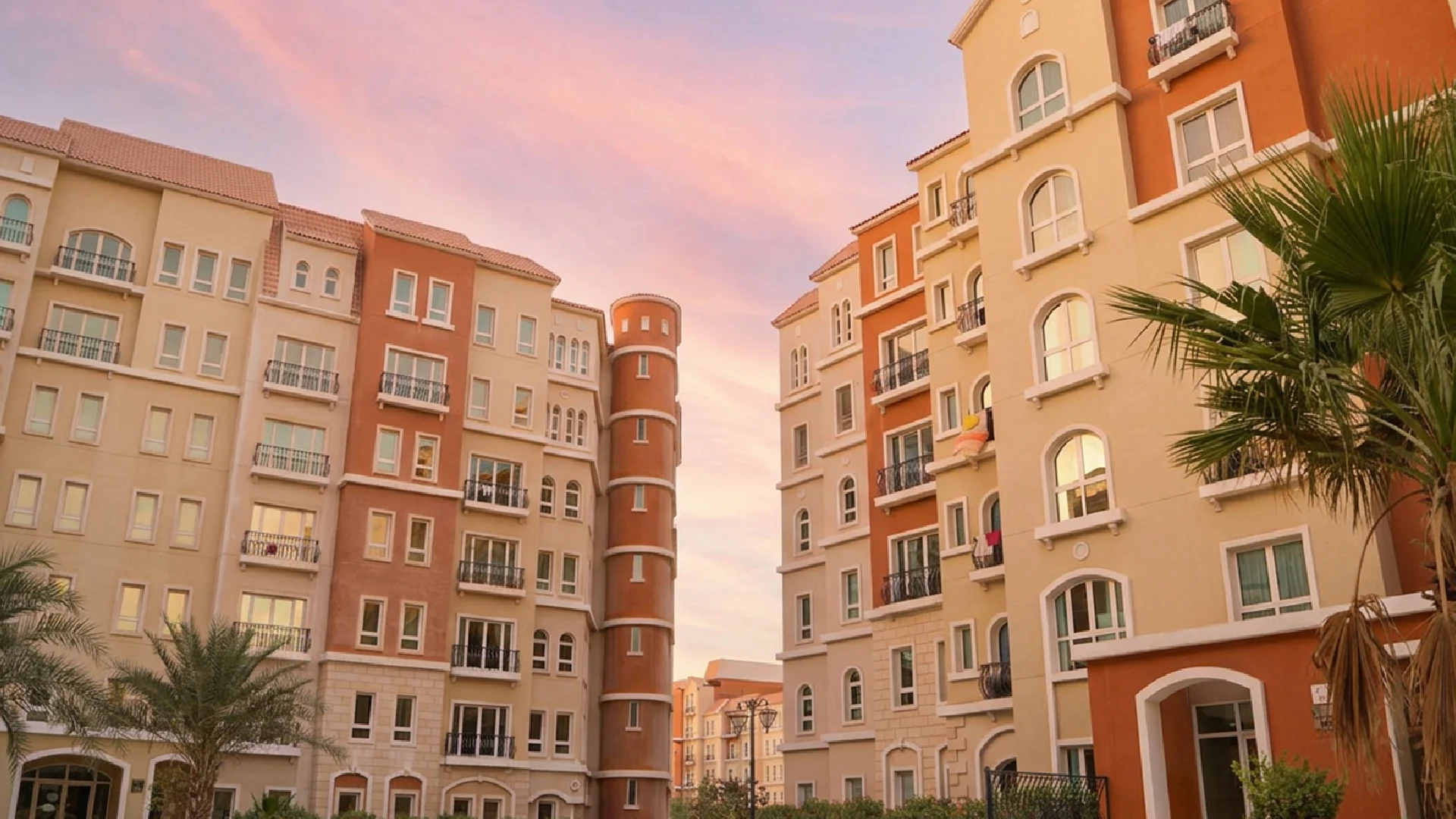
Discovery Gardens includes several residential clusters, with building layouts and parking arrangements that may differ across the community.
For tenants considering Wasl buildings in the Mesoamerican, Mogul, Mediterranean and Contemporary clusters, it is advisable to confirm the parking arrangements for the specific building and apartment before committing to a tenancy.
Check whether a dedicated parking bay is included in the tenancy agreement, whether the space is allocated to the apartment and whether a separate permit or subscription is needed for an additional vehicle using regulated on-street parking.
Residents should also establish which parking areas are managed by Parkonic and which arrangements fall under the building's own parking provisions. This helps avoid confusion between an allocated bay and a permit that allows use of shared parking spaces.
The parking costs for a household depend on the number of vehicles, the apartment's parking allocation and eligibility for the complimentary permit.
One-car households: Eligible residential units without dedicated parking can apply for one complimentary permit for their first vehicle. Residents should complete registration and verify that the permit is active.
Two-car households: The first eligible vehicle may be covered by the complimentary permit, while the second vehicle may require a paid subscription. The published monthly subscription price is AED 672, subject to confirmation of current terms.
Households with dedicated parking: If the apartment includes an allocated bay, tenants should check which vehicle it covers and whether another vehicle needs a separate Parkonic subscription.
Households that use an additional vehicle only occasionally may wish to compare the cost of a subscription with visitor parking rates. The decision should also take into account how frequently the vehicle is used and which spaces it is permitted to occupy.
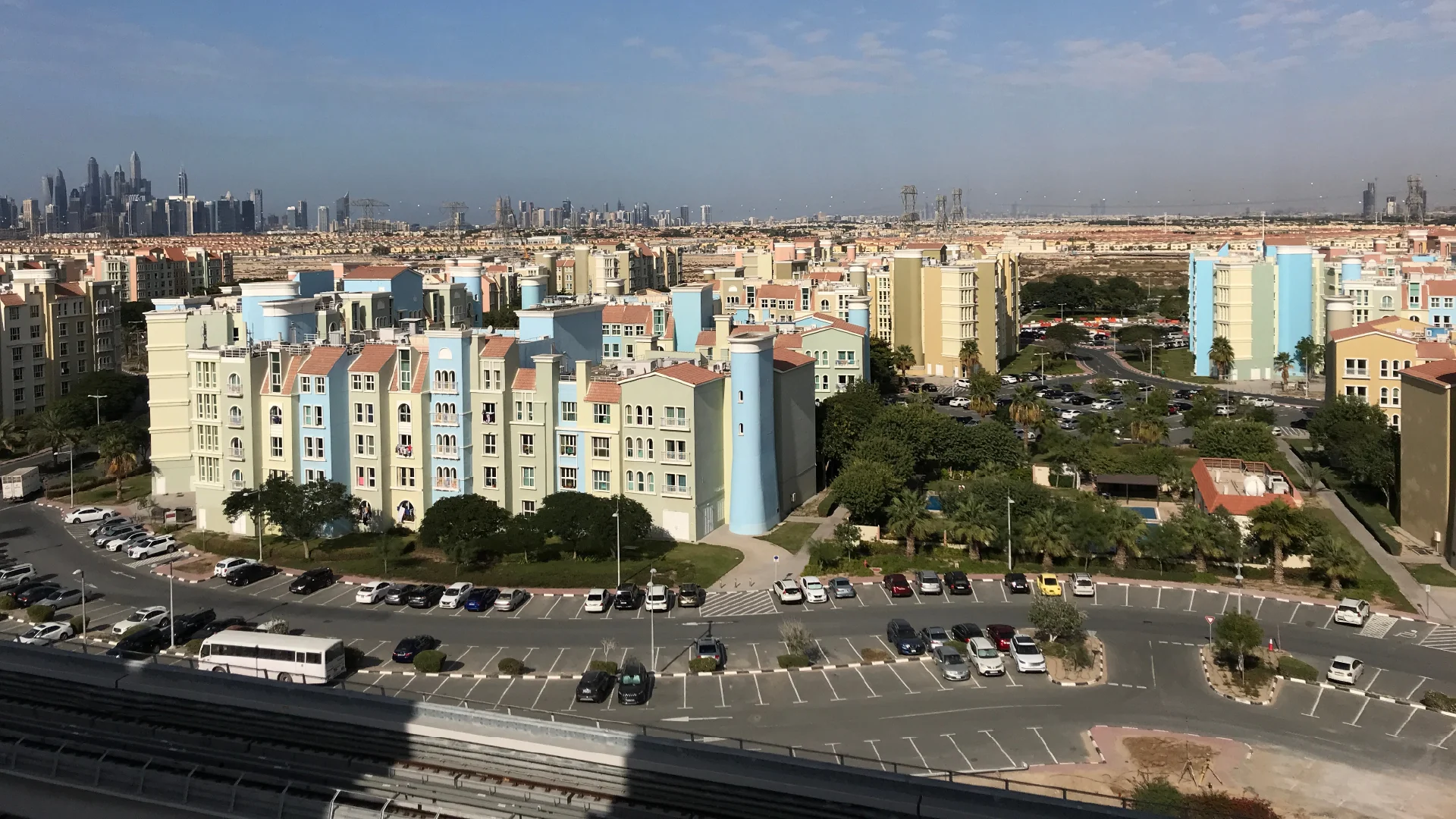
Discovery Gardens is served by the Dubai Metro, making public transport an option for residents who want to reduce their reliance on private vehicles.
Proximity to Discovery Gardens Metro Station and other transport links may influence how often a household needs to drive. For some tenants, choosing an apartment within convenient reach of the Metro could reduce the need for a second vehicle and the associated parking costs.
When comparing apartments, consider the walking distance to the station, your daily commute and access to bus services or other transport options. The most suitable location will depend on your regular travel routes and personal requirements.
Your Discovery Gardens Move-In Checklist
Use this checklist to organise your parking arrangements before moving into Discovery Gardens.
Completing these checks before moving in can help you understand your options and plan for any additional parking expenses.

Fact Box
| Key Detail | Information |
|---|---|
| Paid parking introduced | 15 January 2026 |
| Parking operator | Parkonic |
| Published Discovery Gardens zone code | P106 |
| Complimentary permit | One for each eligible residential unit without dedicated parking |
| Published monthly subscription | AED 672, inclusive of VAT |
| Published quarterly subscription | AED 1,999, inclusive of VAT |
| Published six-month subscription | AED 3,999, inclusive of VAT |
| Published annual subscription | AED 4,999, inclusive of VAT |
| Free on-street parking period | Midnight to 8:00 am, according to published rates |
| Resident registration | Parkonic+ app and required tenancy documents, including Ejari |
Rates, eligibility and terms should be verified through Parkonic's official channels before publication or purchase [Source: Parkonic].
Conclusion
Understanding Discovery Gardens parking rules can help tenants plan their move and make informed decisions about their parking needs and budget. Key considerations include whether the apartment has a dedicated parking bay, eligibility for a complimentary permit and the cost of parking additional vehicles.
For tenants considering a home in Discovery Gardens, Wasl can help provide clarity on the parking arrangements relevant to their chosen property, helping them better understand the available options before moving in.
By familiarising themselves with the Parkonic parking system, residents can plan ahead and enjoy a smoother move into their new home.

FAQs
Not all parking in Discovery Gardens is free. Paid on-street parking was introduced on 15 January 2026. Eligible residential units in buildings without dedicated parking receive one complimentary permit for their first vehicle, subject to registration and approval. Additional vehicles may require a paid subscription, and visitors generally pay the applicable hourly rates during paid periods.
Parkonic's published information lists P106 as the Discovery Gardens parking zone code. Drivers should check the signs at their specific parking location and confirm the current code and payment instructions through Parkonic's official channels.
Parkonic's published monthly subscription price for Discovery Gardens is AED 672, inclusive of VAT. Quarterly, six-month and annual subscriptions are also listed. Residents should confirm current prices, eligibility and terms in the Parkonic+ app before purchasing.
Do not assume that a resident parking permit can be bought, sold or transferred between tenants. Permit eligibility may be linked to a particular residential unit, tenancy and vehicle. Contact Parkonic to confirm whether a transfer is permitted under the current rules before making any payment to another resident.