
Image
img

How to Resolve AC, Plumbing, and Maintenance Delay Issues with Wasl

If your AC is not cooling properly, your plumbing system is leaking or your Wasl maintenance request is delayed, you’re not alone — these are among the most common service concerns raised by tenants across Dubai.

At Wasl, we’re committed to providing prompt, high-quality maintenance support. This guide explains how to report AC, plumbing or electrical issues, what to do in case of delays, and who to contact for immediate help, ensuring residents enjoy a smooth, stress-free home life.

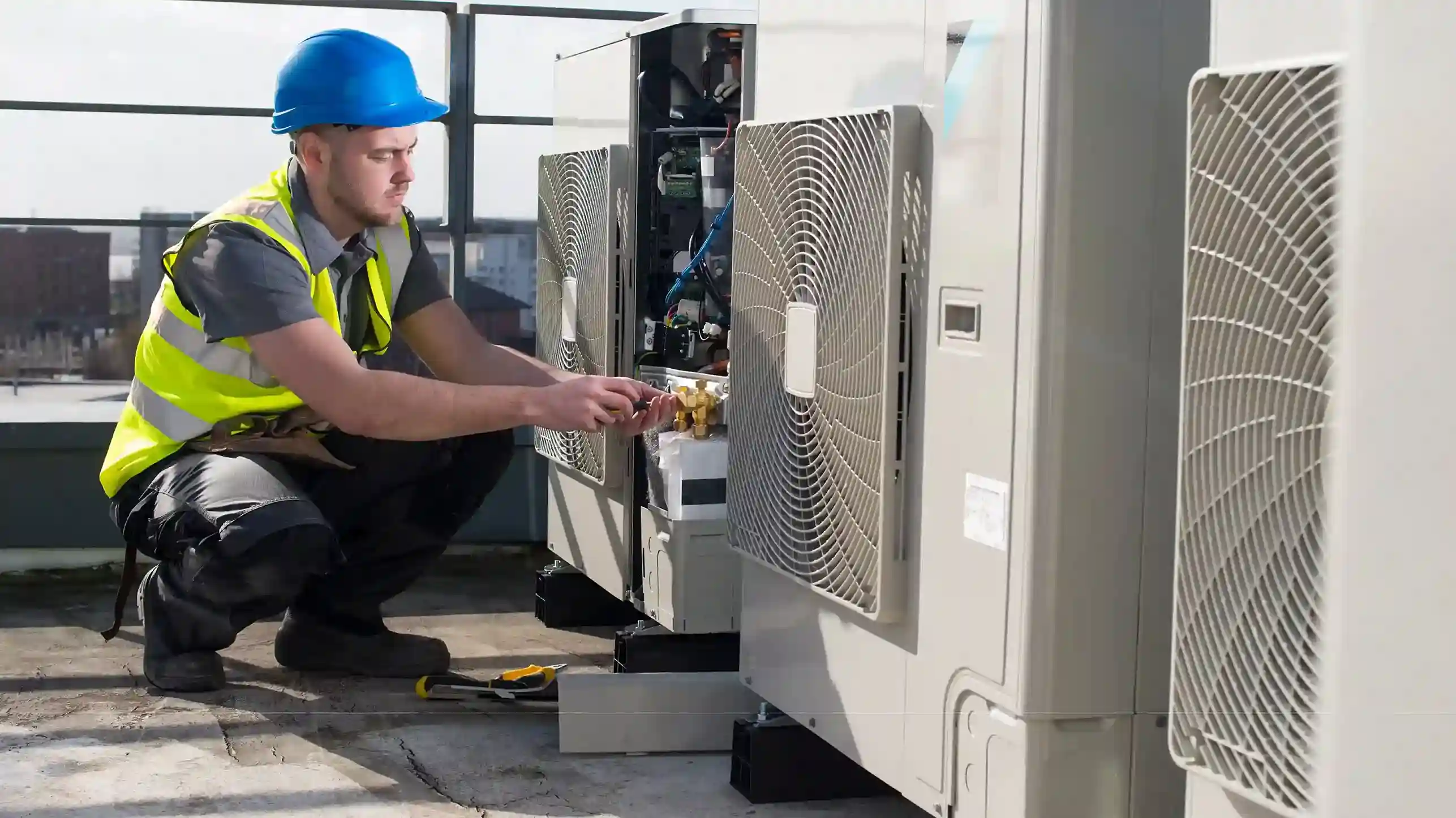
AC Not Cooling or Not Working Properly

If your AC is blowing warm air, leaking, or not switching on, here’s what to do.

Step-by-Step Solution:

  1. Submit a request under “Air Conditioning” in the Wasl App.
  2. Mention whether the issue is not cooling, leaking, or requires replacement.
  3. Include photos or a short video for faster diagnosis.

Expected Response Time:

  • Emergency AC issues (not cooling in summer or full breakdown): Technician dispatched within 1 hour.
  • Routine maintenance (filter cleaning, low cooling efficiency): Scheduled at your selected appointment time.

If Delays Occur:

  • If no technician visits at the scheduled time, call 800 WASL with your ticket number and request a status update.
  • You can also email customercare@wasl.ae for escalation.

Tip: If the AC continues underperforming after service, submit a follow-up request referencing your previous ticket so the same case can be prioritized.
Image
img

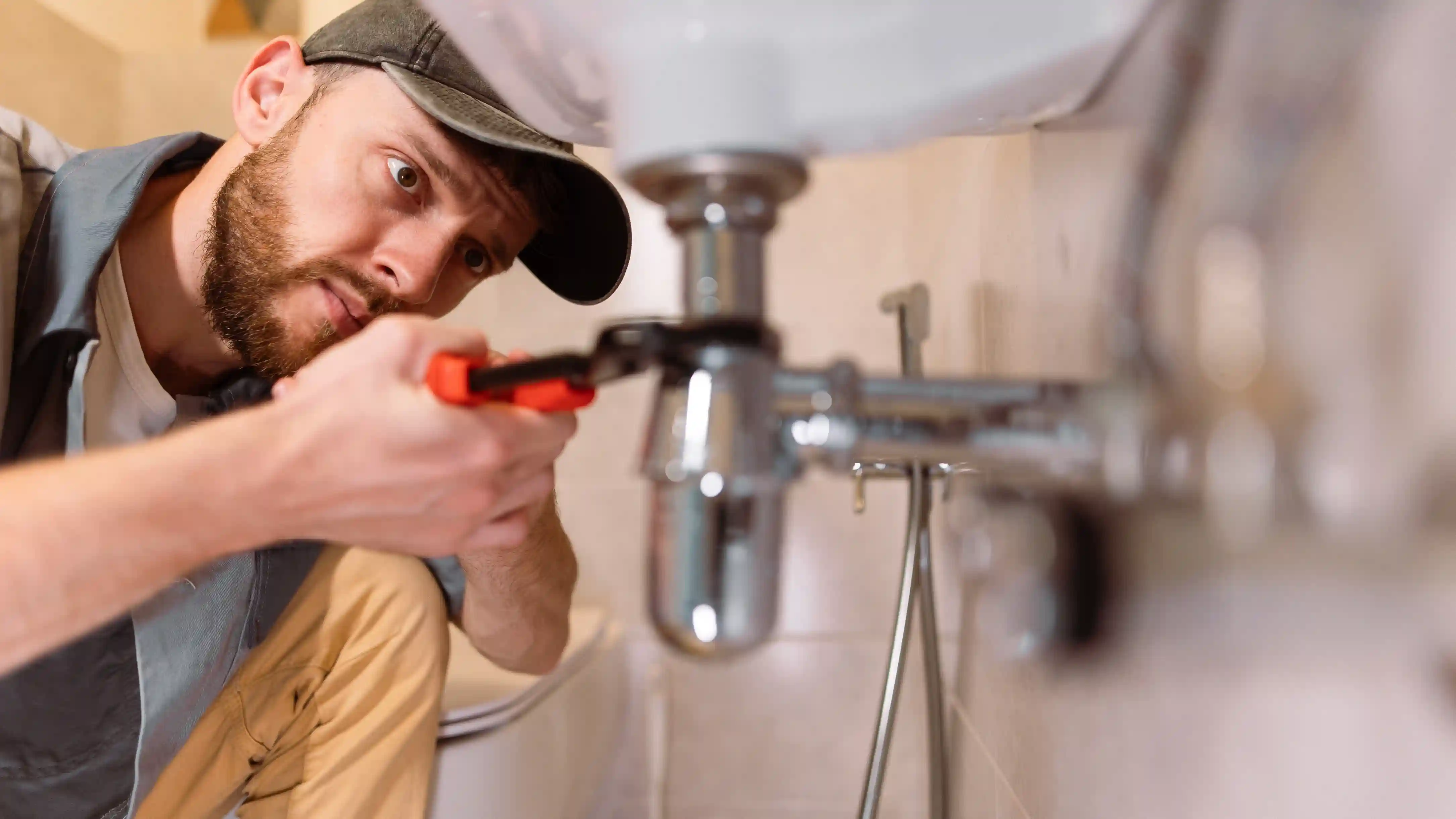
Water Leakage and Plumbing Problems

Plumbing issues such as leakages, blocked drains, or low water pressure can quickly escalate if not addressed.

How to Report:

  1. Select “Plumbing” when creating your request.
  2. Specify the exact location (kitchen, bathroom, ceiling, or outdoor area).
  3. Attach photos showing the leakage or blockage.

Expected Lead Times:

  • Major leak or burst pipe: Emergency response within 1 hour.
  • Minor leakage or drainage issue: Scheduled service at your selected time.
  • If the problem persists after repair, reopen the same ticket or call 800 WASL for reassignment to a senior plumber.
  •  For persistent water leakage through ceilings or walls, Wasl’s team may coordinate with building management to investigate structural causes.
Image
img

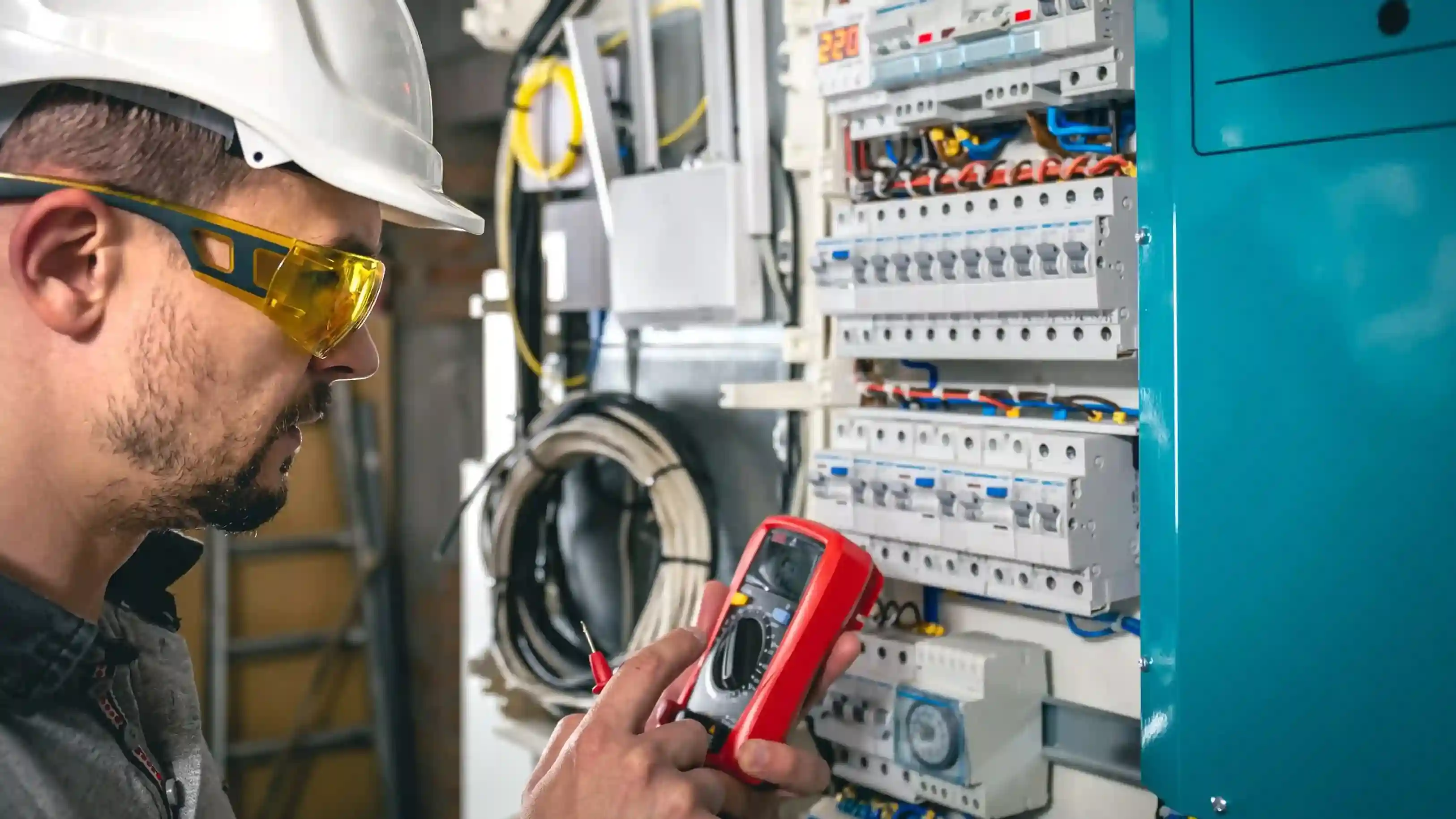
Electrical Issues and Power Outages

Electrical issues, including power outages, faulty wiring, or non-functioning switches, can disrupt your daily routine and pose safety risks if not resolved promptly.

How to Report:

  1.  Select “Electrical” when creating your maintenance request in the Wasl App.
  2.  Specify the exact location of the issue (apartment, common area, or specific appliance).
  3.  Attach photos or a short video if possible to help the technician identify the problem.

Expected Lead Times:

  •  Major power outage or dangerous electrical fault: Emergency response within 1 hour.
  • Minor electrical issues (switches, sockets, lighting): Scheduled service at your selected appointment time.
  • If the problem persists after the repair, reopen the ticket or call 800 WASL to request escalation to a senior electrician.
  • For recurring electrical problems, Wasl’s team may coordinate with building management to assess the overall wiring or infrastructure to prevent future issues.
Image
img

How to Raise a Maintenance Request

The fastest and most reliable way to submit a maintenance request is through the Wasl App or Customer Portal. Please note that the process for submitting requests varies depending on whether you are a residential tenantcommercial tenant, or homeowner.

Residential and Commercial Renting 

  1. Log in to your Wasl account.
  2. Select your unit or property.
  3. Tap “Maintenance Request.”
  4. Choose the correct category — AC, Plumbing, or Electrical.
  5. Describe the issue clearly and attach photos or videos.
  6. Select a convenient time slot for the technician visit.

Note: For commercial units, common area maintenance is covered. Inside the unit, maintenance is the tenant's responsibility, except for assets provided with the unit (eg, AC).
Image
img

Freehold Buying

  1. Raise a WCM form ticket for non-emergency maintenance requests in the common area (Example: Façade/ Parking/ Elevators/ Waste Management/ Kids Play Area/ Gym/ Swimming Pool/ Sauna & Steam/ Pest Control/ Landscape/ Others).
  2. For non-emergency maintenance requests or repairs inside the unit, reach out to your respective service providers or preferred technicians.
  3. For Emergency maintenance requests in the common area or inside the unit, call our customer care at 800-wasl.
  4. If the project is JGE, process the request through the JGE portal.

If you face issues using the app or can’t access your account, you can also contact:

  • Wasl Customer Care: 800 WASL (800 9275) — available 24/7 for maintenance
  • Email: customercare@wasl.ae

Emergency maintenance issues such as major leaks, power outages, or complete AC failure are prioritized and attended to within one hour.

Non-emergency requests are scheduled based on the appointment time you select in the app.

What to Do if Your Maintenance Request Is Delayed

Wasl aims to complete all maintenance work on time. However, if your request is pending or delayed, you can follow these steps:

  1. Check request status in the Wasl App or Customer Portal.
  2. Contact Customer Care at 800 WASL (800 9275) and provide your request reference number.
  3. If you don’t receive a clear update, email customercare@wasl.ae with full details (unit number, issue type, and screenshots).
  4. For long-standing or repeated delays, you can visit your nearest Wasl Customer Service Center and request escalation to a supervisor.

Standard Response Times:

  • Emergency maintenance – within 1 hour
  • Scheduled maintenance – based on chosen slot
  • Complex issues requiring spare parts – follow-up visit scheduled by technician

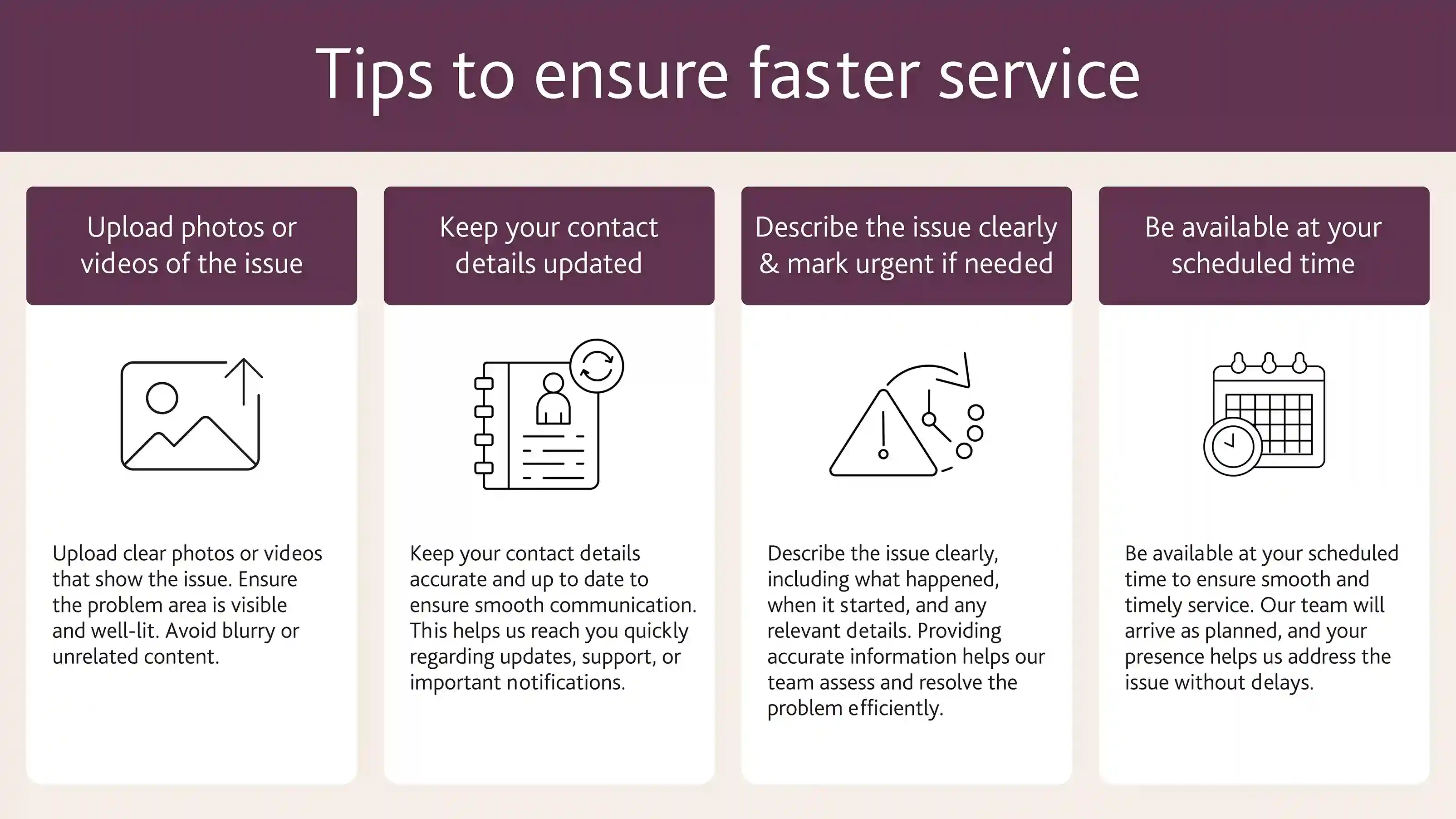
Tips to ensure faster service

To help the maintenance team respond efficiently:

  1. Always attach photos or videos of the problem.
  2. Ensure your contact number is up to date in the app.
  3. Clearly describe the issue and mark it as “urgent” for emergencies.
  4. Be available at the selected appointment time — missed calls may result in the request being closed automatically after five unanswered attempts.

When to Escalate

If the issue remains unresolved after multiple requests, you can escalate by contacting:
  • customercare@wasl.ae
  • 800 WASL (800 9275)

Documents to provide

  1. Your request ID
  2. Dates of previous visits or delays
  3. Photos or videos as evidence
  4. Wasl’s Customer Care team will review the case and arrange a follow-up visit or management-level intervention.
Image
img

Common Maintenance Issues and How to Fix Them

Issue

What to Do

Response / Lead Time

Escalation

No response / no follow-up

Call 800-WASL (9275) with your ticket number or email customercare@wasl.ae.

Confirmation or reschedule expected within 1 hr (emergency) or your scheduled time.

If still no response, visit your local service centre.

Team not attending / no-shows

Ensure you selected date & time in the app. Wasl calls up to 5 times before closing a request.

Simple issues fixed on-site; complex ones get a follow-up.

If no calls received, raise a new request or escalate with proof.

Maintenance delays

Call or email for reason and new ETA.

Wasl reschedules delayed jobs due to workload or emergencies.

Escalate to customer care or management if repeated delays occur.

AC not cooling / needs replacement

Submit under “AC Issue” with unit, location, and photos.

Emergency AC issues: within 1 hr; others as per booked slot.

Follow up with 800-WASL using your ticket number if no update.

Water leakage / plumbing

Raise “Plumbing / Leak” request with clear location and photos.

Emergency leaks: within 1 hr; others by appointment.

If leak persists or causes damage, request urgent escalation.

Poor service quality

Reopen or follow up on the same ticket with photos.

Repeat visit arranged for unresolved work.

If still unresolved, escalate to Wasl management.

Security concerns

Call 800-WASL or email customer care with building details.

Handled by property management/security team.

Request investigation or report serious cases to authorities.

Electrical faults / power outage

Submit under “Electrical” with affected area.

Emergency outages: within 1 hr; others scheduled.

Escalate if risk persists or no technician visits.

Water supply off

Report immediately via app or hotline.

Treated as emergency – response within 1 hr.

Follow up if issue not resolved after visit.

Noise or messy common areas

Log complaint via app under “Community / Cleanliness.”

Cleaning or management team will attend.

Escalate to property management if unresolved.

App / portal issues

Screenshot the error and call or email Wasl to log manually.

e-Services team assists or logs request on your behalf.

Escalate to technical support if recurring.

Status inquiry

Call 800-WASL or email with your request number.

Updates provided at each stage.

If unclear, ask for supervisor review.


Following the correct process for AC, plumbing or generic maintenance issues ensures faster resolution and minimal disruption to your daily life. Wasl is committed to timely, high-quality service to keep your home safe, comfortable and fully functional.